The paperwork done and a record of who did what.
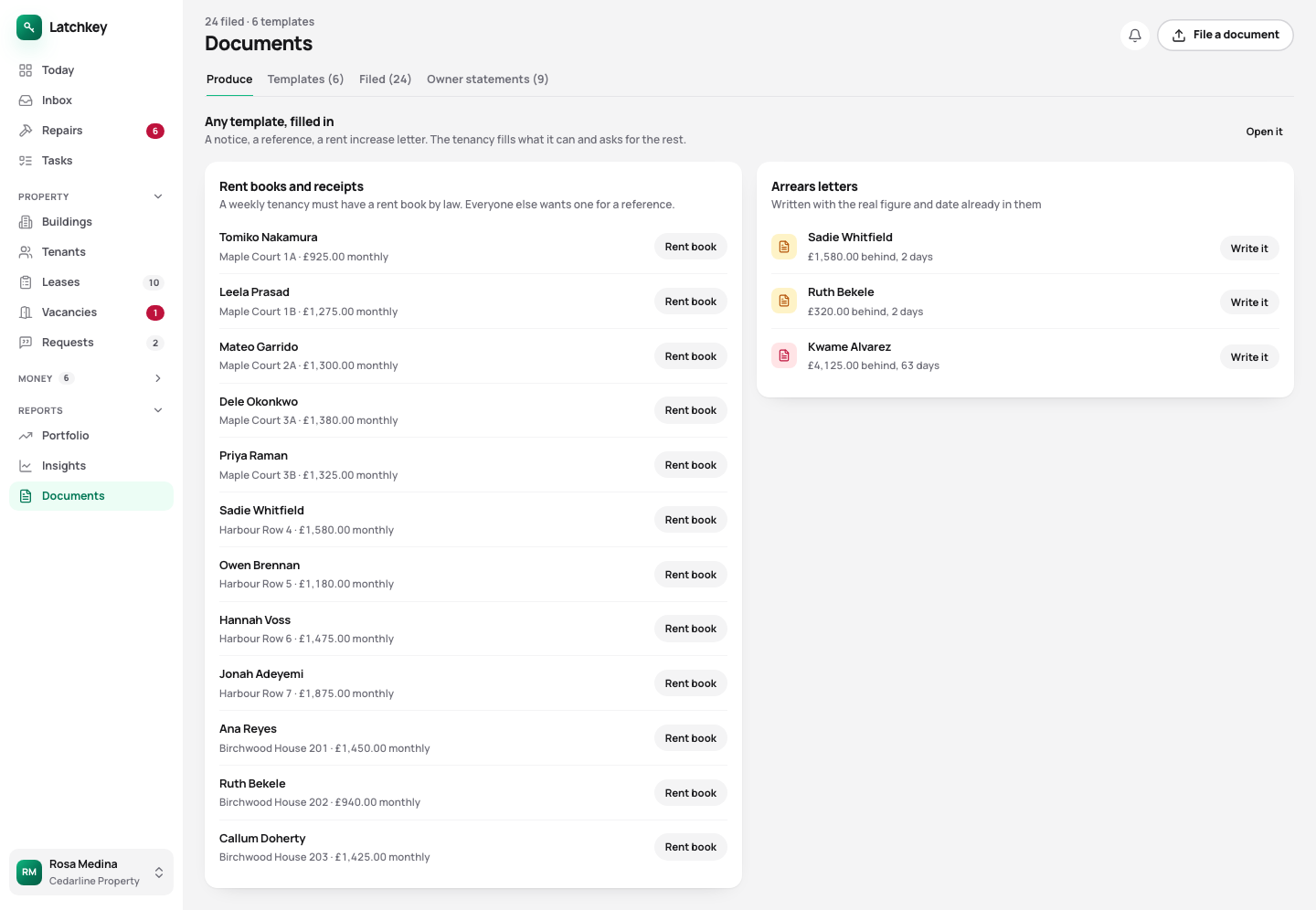
Tenancy agreements, notices, arrears letters and owner statements come from templates filled in from the tenancy, with a preview before anything is produced. Tenants and guarantors sign in the app. Each person on your team gets the access they need, and every change to money or a tenancy is recorded with who made it.
14 days free. No card needed. In every plan.
 Open the whole screen
What happens, step by step.
- Step 1
Bring your spreadsheet, if you have one
Every row is previewed before anything is created, and an import adds to what’s there rather than replacing it.
- Step 2
Invite your team
Each person gets one of six roles, from full access to view only.
- Step 3
Produce the documents
Pick a template and a tenancy, and check the preview.
- Step 4
Send it to sign
Everyone on the tenancy signs in the app, and the signed copy is kept with the tenancy.
Letters and agreements from templates, and the right access for each person.
- Templates you can edit
- Tenancy agreements, notices, arrears letters and owner statements, filled in from a real tenancy with a preview before anything is produced.
- Signed in the app
- Tenants, guarantors and you sign without a separate service. The signed PDF is sealed, with a record of who signed and when.
- Rent books and receipts that print
- A rent book for each tenancy, which the law requires on a weekly tenancy, and a receipt for any payment naming the period it covers.
- Six roles
- Owner, admin, manager, accountant, maintenance and viewer. Each person sees and changes only what their role allows.
- A record of who changed what
- Every change that moves money or alters a tenancy is recorded: who, when, and what it was before.
- Import that adds, never overwrites
- Properties, units, tenants, tenancies, charges and payments from a spreadsheet, previewed row by row. Load the same file twice and nothing doubles.
- One search box
- Buildings, tenants, repairs, payments and documents, without remembering which section something is in.
- No passwords
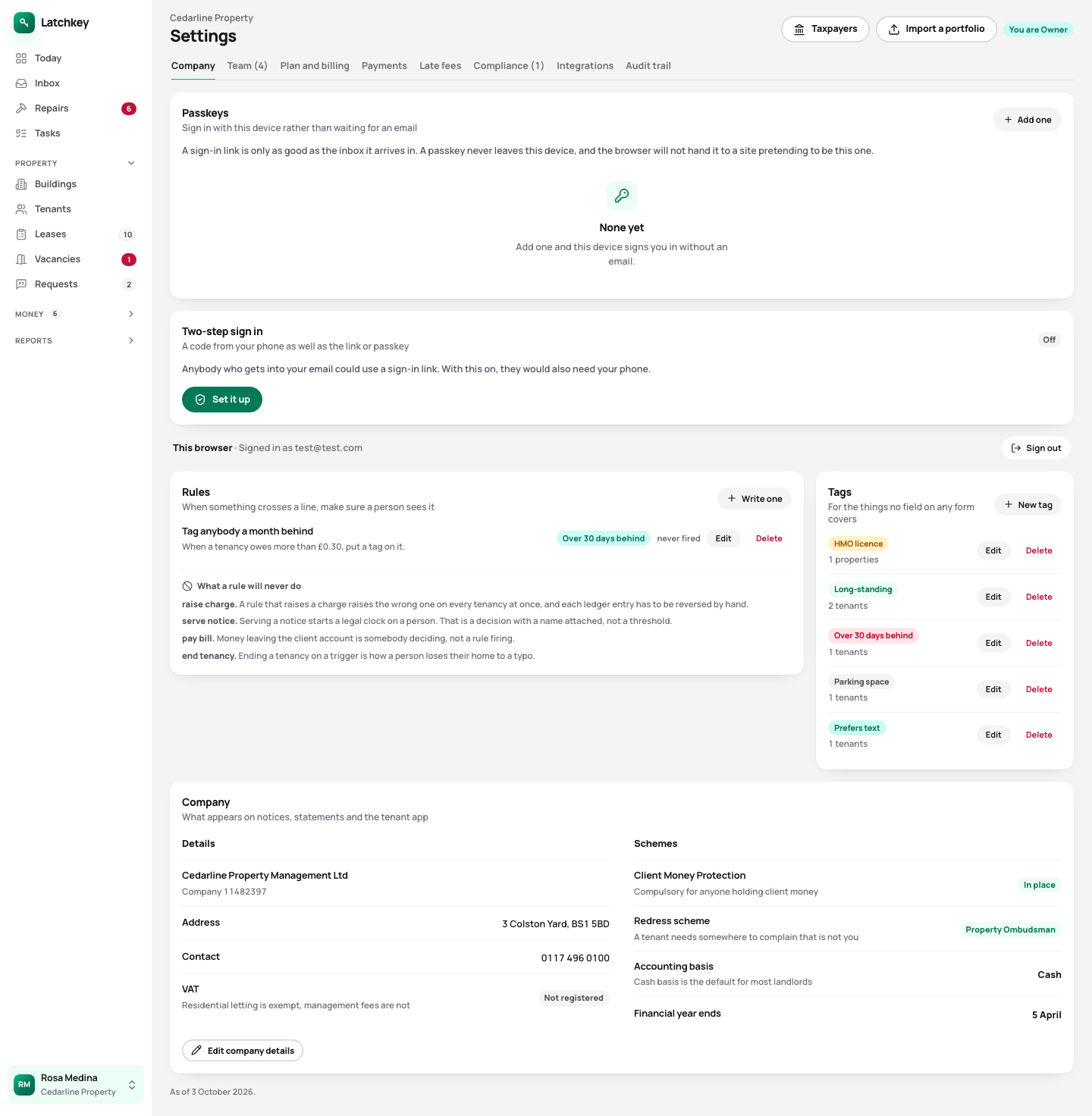
- You sign in with a link sent by email, or a passkey on your device. Two-step sign-in is there if you want it.
Settings: passkeys, two-step sign-in and the details that go on your letters
 Open the whole screen
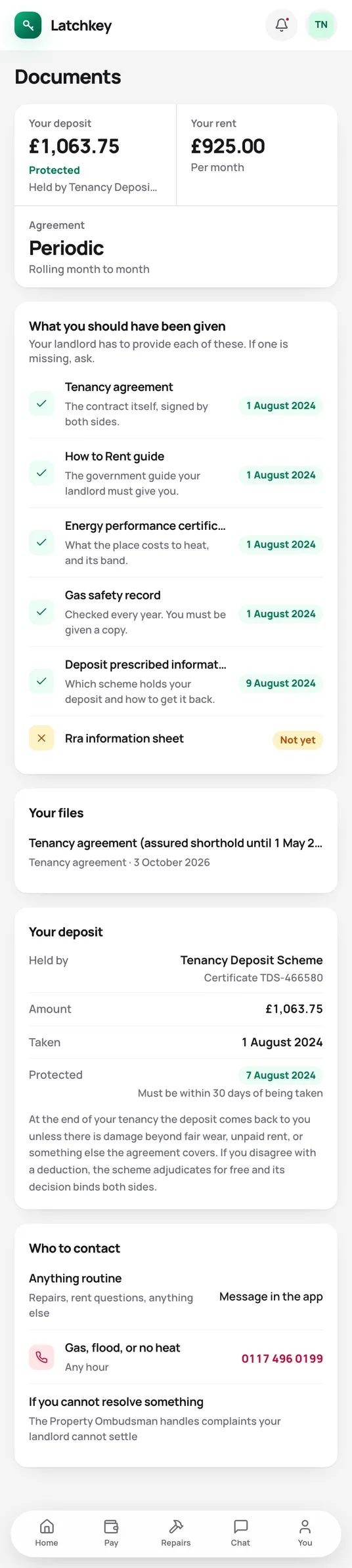
Fewer calls from your tenants.
Tenants find their agreement, certificates and receipts themselves.
What the tenant app does for youThe rest of the job.
- Rent and arrears Rent charged when it’s due, arrears grouped by age, and reminders with the figures already in them.
- Repairs and compliance Repair deadlines counted from the report, urgent jobs raised on their own, and certificates renewed before they lapse.
- Lettings and notices Viewings, Right to Rent, deposit deadlines, inventories, rent reviews on Form 4A and Section 8 on Form 3A.
- Tax and Making Tax Digital SA105 figures kept all year, quarterly figures for Making Tax Digital, and VAT and capital gains when you need them.
- Books and accounts Profit and loss, balance sheet and trial balance from one set of records, with view-only access for your accountant.
- Banking and bills Bank statements imported without duplicates, rules that suggest rather than post, and bills approved before they’re paid.
- Portfolio and budgets Valuations and equity, mortgage payments after the fixed rate ends, budgets and service charges.
Try it on your own portfolio.
The guided setup takes you through your first building, tenancy and tenant. Every feature is in every plan.
No card needed. Cancel from Settings.