Moving on from a spreadsheet.
Most landlords start with a spreadsheet, and with one or two lets it can be enough. These are the points where it starts to cost you, usually after a mistake has already been made.
14 days free. No card needed.
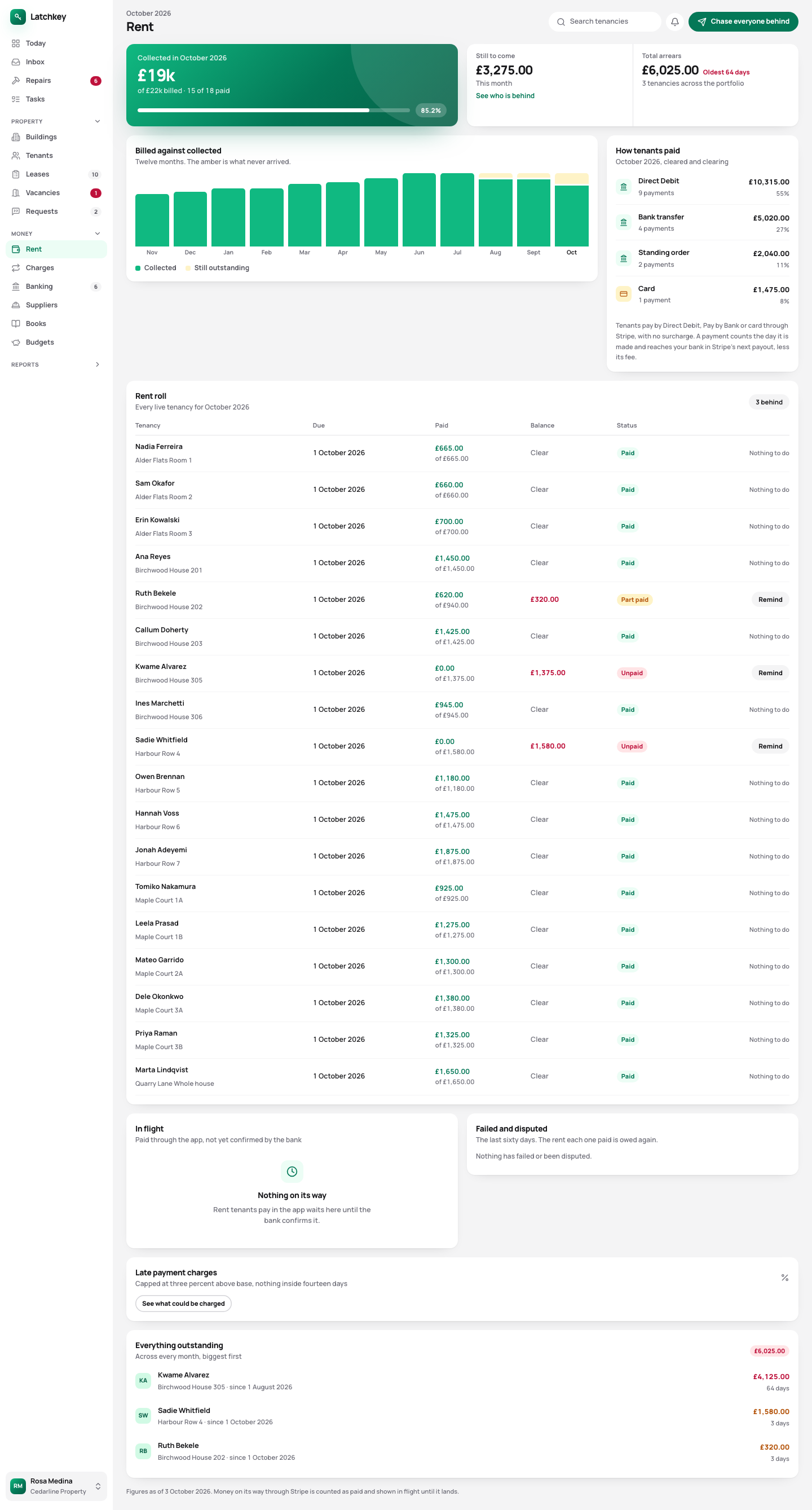 Open the whole screen
Six places a spreadsheet lets you down.
-
The balance nobody can explain
A spreadsheet can say a tenant owes £1,375 with no way to show how. In Latchkey every balance opens up into the charges and payments behind it, so you can answer the tenant while they’re still on the phone.
-
The deposit counted as income
It’s a common spreadsheet mistake, and it makes your tax wrong. In Latchkey a deposit is held as money you owe the tenant, so it never reaches your profit.
-
The certificate that expired in March
A tab of renewal dates only works if somebody opens it. Latchkey puts each renewal on Today before it’s due.
-
The late fee that wasn’t allowed
The Tenant Fees Act limits late fees, and a fee over the limit is a banned payment the tenant can claim back. A spreadsheet will work out whatever you type.
-
The rent increase that didn’t stick
Section 13 allows one increase a year, with two months’ notice on Form 4A. Latchkey checks both before the notice is produced.
-
The file called final v3
Two people can’t safely work in one file. In Latchkey each person has their own access, and every change is recorded with who made it.
Start with one tenancy, bring the rest when you’re ready.
A new account opens on a guided setup. Your spreadsheet is optional: import it once your first tenancy is in, or add the rest by hand.
- Step 1
Follow the guided setup
Your details, your first building, its units and a tenancy, one short step at a time.
- Step 2
Invite your tenant
Copy the link to their app or email it. They sign in with a link, with no password to set.
- Step 3
Import the rest, if you like
Properties, tenants, tenancies and payments from your spreadsheet, previewed row by row before anything is created.
- Step 4
Nothing gets overwritten
An import adds to what’s there. Load the same file twice by mistake and nothing doubles.
Try it with your own figures.
Fourteen days is long enough to set up your lets and see whether the balances match what your spreadsheet says.
No card needed. Cancel from Settings.